
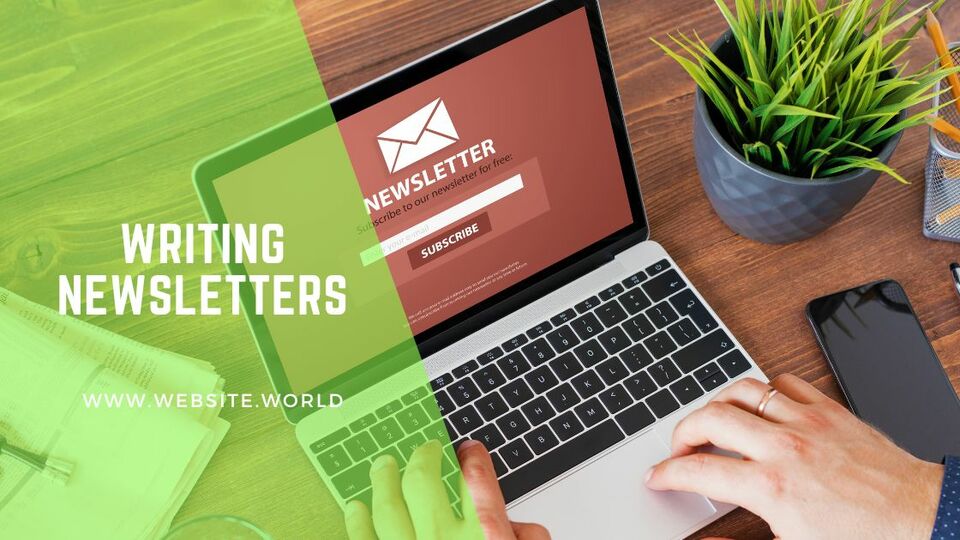
Los boletines informativos por correo electrónico son una excelente herramienta de marketing para atraer nuevos clientes y mantener su negocio presente en la mente de sus clientes actuales o anteriores. El problema es que muchos boletines informativos quedan sin abrir o se eliminan al llegar a la bandeja de entrada. ¿Cómo puede:
- ¿Quieres que tus boletines se abran y se lean?
- ¿Haces clic en los enlaces de tus boletines informativos?
Como con cualquier contenido, necesitas ofrecer a tus lectores lo que buscan. Para ello, necesitas conocer a fondo a tu público objetivo, lo que implica crear un perfil de comprador para ellos. Una vez que conozcas sus características específicas (edad, ubicación, género, gustos, aversiones, situación económica, etc.), puedes adaptar tu contenido a sus necesidades. Esto te ayudará a mejorar tus tasas de apertura y clics.
Today we're going to focus on three things: characteristics of high performing email newsletters, how to set your newsletter out and content ideas for your newsletter. We'll also share two free tools you can use to check the effectiveness of your email subject headings.
Characteristics of Email Newsletters With High Open & Click Through Rates
What does an email newsletter which gets opened and read have that mine doesn't? The key characteristics of a successful newsletter are:
- sent on a regular basis
- Son fáciles de navegar con espacios en blanco, imágenes y encabezados.
- have accurate subject lines and headings, not click bait
- use a reliable bulk email platform
- include a call to action
- están personalizados para el lector
- contain 90% educational and 10% promotional content
- shorter, rather than longer
- use time sensitive offers
If you think about how many emails you receive each day, and what motivates you to open or delete them, you can understand some of what your mailing list is feeling. In conclusion, a great email is short, gives the reader exactly what they want in a format they can navigate easily, and where you clearly tell the reader what to do next.
Tips On Designing Your Email Newsletter
Antes de elegir una plantilla de boletín informativo o decidir su diseño, primero redacte el contenido. Es mucho mejor tener un correo electrónico diseñado específicamente para el contenido, ya que se ve y funciona mejor. También es recomendable usar la misma plantilla de correo electrónico cada vez que envíe un boletín informativo. Lea estos consejos para ayudarle a diseñar su próximo boletín informativo:
- use a mobile friendly bulk email solution
- keep your text short and to the point
- put important things at the top
- use white space effectively
- choose colours and fonts which match your brand image
- use great images
- use buttons to help you with your calls to action
- use section headings to space your content out
Most importantly, before you hit the send button, send a test email to yourself so you can check it looks and performs how you want it to.
What Newsletter Content Do Readers Enjoy?
Como se mencionó anteriormente, el contenido específico que agregue a sus boletines informativos por correo electrónico debe estar dirigido a su público objetivo. Esto significa que debe contener información que deseen y disfruten leer. Obviamente, debe estar relacionado no solo con su negocio e industria, sino también con las razones por las que su público se suscribió a su lista de correo electrónico.
Exactly what content you add will depend on your audience's preferences, but remember that each newsletter you send should have a goal, and this is what you will use your calls to action for. Generally it involves clicking from the newsletter through to your website to perform a specific action. It could be to learn more about a new product or service, or to sign up to an event.
Examples of newsletter content include:
- photos of recent events
- employee focus blurbs
- snippets and links to blogs
- interesting facts related to your business or industry
- focus on one of your customers
- contests
- special deals and offers
- events of interest
- list of recent accomplishments
- product reviews
- company news
Now are you ready to send your newsletter? Nope. There is one more thing you need to know about: how to write an email subject. This is the first line people will read when your newsletter arrives in their inbox. If it is dull, your email won't get opened. If your subject line makes too many promises, or is not an accurate description of what the email contains, it will be opened but future emails won't be.
The ideal email subject line uses the 4U method:
- urgent - need to open the email now to avoid missing out
- unique - has different content to emails you've sent in the past
- ultra-specific - is based around one specific topic
- useful - will have lots of relevant information
There are some great free email subject testers available online, which you can enter your subject line in and they will give you an indicator of it's possible performance. Both SubjectLine y CoSchedule Son herramientas útiles para esto. También puedes leer nuestro artículo. Best Newsletter Email Subject Line Examples & How to Write Them for further advice too.
Once you have sent your newsletter to your mailing list, you can also share it on your social media platforms. Take a read of our article 50 ideas de publicaciones en redes sociales para empresas if you're stuck on ideas about what you could post on social media.
Posted: Friday 5 April 2019
