
Whether you have an existing site with an older template, or want to change the way your default site looks, this faq may help.
It provides links to various help-faq items where possible.
As a starting point you should read the overview - How can I make changes to the way my site looks? which outlines the different areas you can make changes.
Options for improving the look of your website.

Update the look of your site by changing your default theme
Ka taea e koe choose new theme from with the CMS and back up your old theme is you would like to return to it.
Changing your theme targets the outer styling of your website, not the internal page content, categories and products.
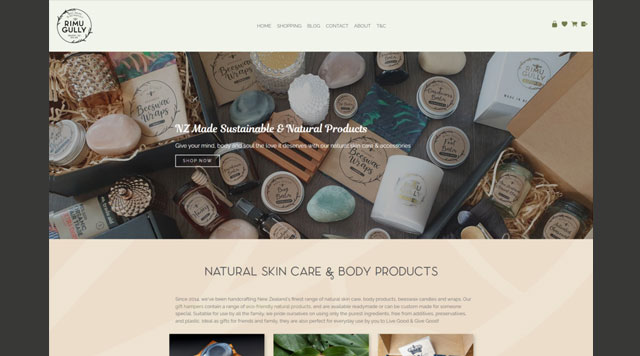
Update your homepage
If you are using one of our newer Contentbox-ready templates you can look to update your homepage to a full-width Contentbox page with Special snippet blocks , categories or contact form widgets.

Add sliders and widgets
Add interest to your website with animated slider content blocks and enable widgets such as Standard Shopping links.
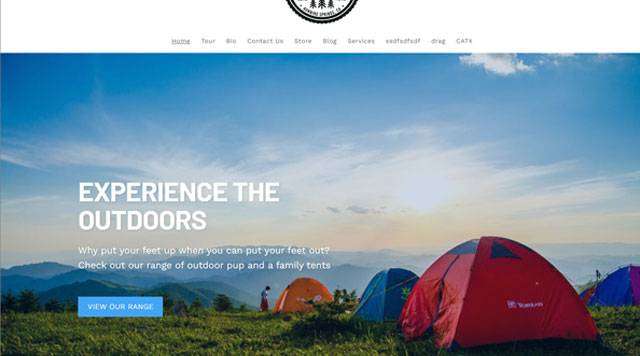
Update your banner to use captions
Using Contentbox to manage your banners, you can add captions an call to action buttons to your banner area.

Add button links to your content for call to actions.
By adding buttons to your content you can visually break up your content, driving viewers to specific services or products, or to fill out a form or get in touch.

Add a custom footer
If you don't already have one you can add a custom footer to your website, there are preset footer snippet blocks ready to add or you can build your own from scratch.

Add a custom header
You can add a custom header to your website for important information or free shipping notifications.
You can also remove the custom header if not needed.
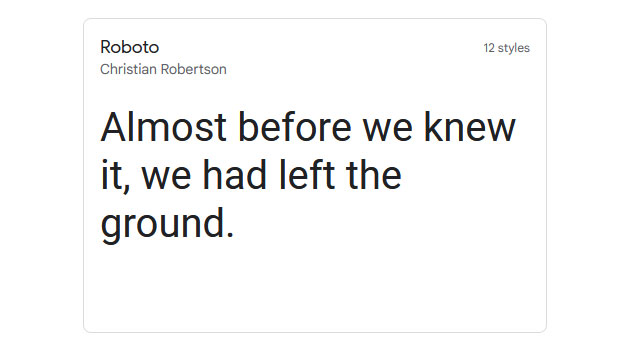
Change to a new font
In the CMS you can choose one of the existing fonts available or search and embed fonts from https://fonts.google.com/ or install your own font-files.The CMS allows you to specify heading and body fonts as via the DESIGN > FONTS AND TEXT COLOURS area.
You can also target specific elements via the custom element styling area.
More places to make improvements

Change your page layouts and display options
Ka taea e koe change layout of any page, including Enquiry Forms, Galleries and Category/Product List pages.
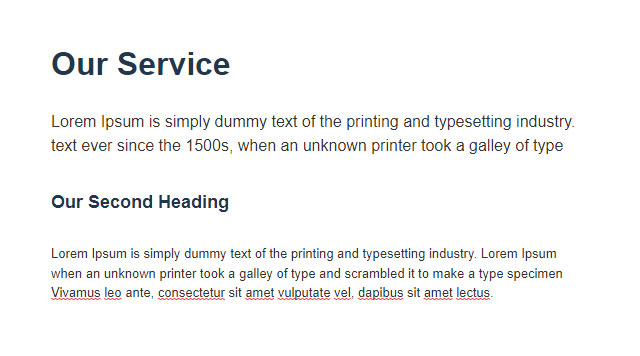
Use Headings and update font-sizing
You can improve the look of your content pages by applying headings, or adjusting your font-sizing.
You have the ability to change text sizing within each page or at a template level.
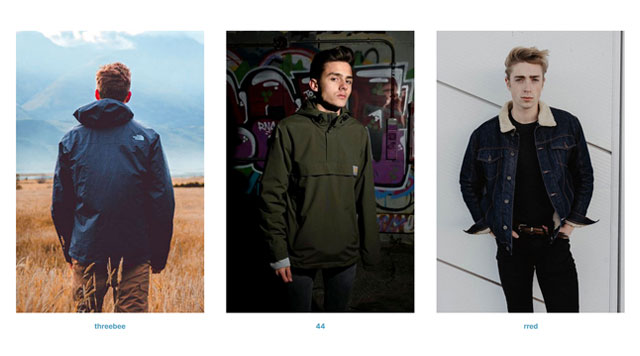
Make your image sizing consistent
Use the Crop Wizard or Drag-Drop image wizard to permanently crop or temporarily shape your images

Update your text-only pages using the Drag-drop or Contentbox editors
Update your old text only TINYMCE pages to the newer block-based Drag-drop editor.About Drag-drop About Contentbox

Add hover states and animations
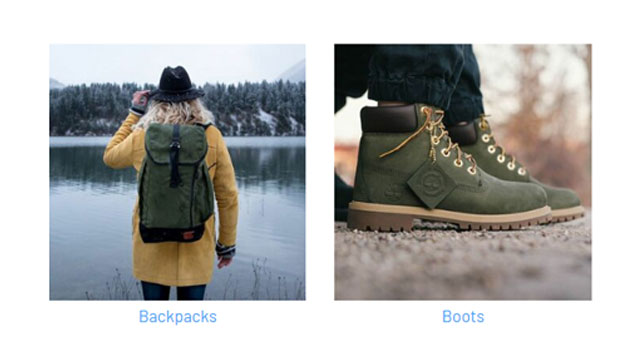
Make your Contentbox page full width
Change the width of your Contentbox page
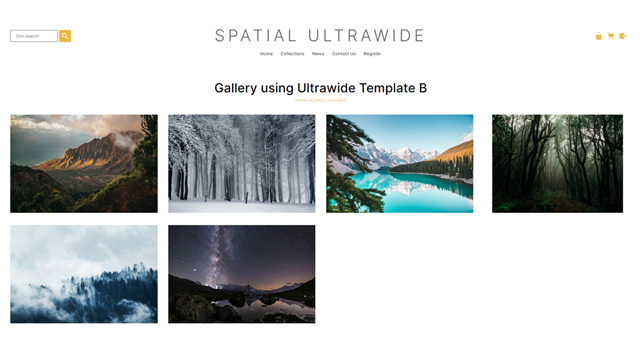
Make use of Ultra-wide Page layouts
Ultrawide Page Layouts
Increase or change the thumbnail sizes, regenerate thumbnails
Increasing Thumbnails

Source new images from free and royalty free image libraries
Sourcing Images
More From This Section
FAQ Topics
Building your site
- Pages
- Content Editor Modes Explained
- - DRAG DROP Editor (Default)
- - CONTENTBOX Editor (Advanced)
- - WORD STYLE Editor (TinyMCE)
- - LIVE Editor (Click to Edit Mode)
- Styling Content
- Images / Backgrounds
- Banners and Sliders
- Uploading content
- Design Templates
- Forms
- More Q & A
- Menus
- Mobile Styling and Optimisation
Advanced Page Types
E-Commerce
- Shopping Basics
- Product Pricing, Currencies
- Category Management
- Ngā Hua
- Product Options
- Layout and Formatting
- Ngā Kōwhiringa Utu
- Freight - Couriers
- Processing Orders
- Orders / Invoices
- Advanced Ecommerce
- Plugins
- Wholesale
- Bookings Management System
- Stock & Quantities
- Vouchers, Discounts, Loyalty Points
- Selling Photos / Prints
- Shopping Cart Add-on Page types
- Advanced APIs / Add ons
- Te Wāhi Hoko (POS)
- Reports
Email & Membership
- Member Management
- Members Pages / Template Customisations
- From Addresses and Reply To Email Notifications
- Global Enquiry form options
- Standard Field Names
- Webmail
- Bulk Email
- CRM Features
- Email Campaigns
- Forums & Blogs
- Pop3/Imap Email Services
- Scams and Hoaxes
- Lead Magnets / Growing Your Customer Database
Promoting your site
Advanced
- Power User Options
- Form Spam Filtering
- Wordpress
- PHP Setup
- [TAGS]
- FONTS - Embedding Web Fonts
- jQuery snippets
- FONTS - Uploading local font files
- Search External Links / Import external content
- HTML / CSS Snippets
- Loading additional Material Symbols styles
- FAQ Help Map
- Advanced Template Customisation, CSS, etc
- Languages and Translations
- Importing Content from Another Platform
